
From Brittle Automations to a 24/7 Digital Workforce: How Agencies & SaaS Teams Step-Change Capacity

Table Of Content
TL;DR
Zap-and-workflow sprawl will get you to $1–2M in revenue—and then quietly cap your capacity. A 24/7 digital workforce is what lets agencies and SaaS teams reclaim 30–50% of repetitive workload without rebuilding their stack: specialised AI workers sit across HubSpot, ClickUp, Notion, Slack, etc., owning outcomes like onboarding, reporting, and CRM hygiene while humans focus on higher-leverage work.
From Brittle Automations to a 24/7 Digital Workforce: How Agencies & SaaS Teams Step-Change Capacity

If you run an agency or SaaS business, you’ve probably lived this arc:
- Start with a handful of clients and a clean stack: Zapier/Make, a CRM, a project tool, a few calendars.
- Wire up automations: new lead → CRM → Slack, form fill → task, deal won → onboarding checklist.
- It feels magical—until growth hits.
By the time you’re juggling dozens of clients or product lines, the picture looks different:
- Hundreds of zaps and scenarios, owned by whoever built them.
- Nobody can answer “What happens when this fails?” or “Who owns this SLA?”
- Fire drills eat into evenings and weekends.
According to Microsoft’s 2024 Work Trend Index, 75% of global knowledge workers are already using AI at work, and usage has nearly doubled in six months. McKinsey finds that only about 1% of companies feel they’ve reached AI maturity.
The gap between “we use AI” and “our operations run on an AI-native digital workforce” is where most agencies and SaaS teams are stuck.
This post is about crossing that gap.
See also: Beyond Zaps: Building a 24/7 Digital Workforce Inside Your Agency, From Brittle Zaps to a 24/7 Digital Workforce, and AI Agents, Digital Workers, and the End of Brittle Ops.
1. The Ceiling of Point-and-Click Automation
Most teams start their automation journey with Zapier, Make, n8n, or native CRM workflows. These tools are great for wiring events together quickly—but they carry structural limitations.
1.1 Automations Don’t Own Outcomes—People Still Do
A zap doesn’t own onboarding. It just fires when a trigger happens. Everything else—edge cases, retries, exceptions, client communication—falls back to your team.
That’s why you hear:
- “The zap failed, can someone manually push this through?”
- “Client didn’t get the onboarding email; who’s on it?”
- “Reporting didn’t go out this week—where did it break?”
What’s missing is accountability. Ops still carries the cognitive load: watching for silent failures, connecting dots across tools, deciding when something is “done” versus “stuck”.
1.2 Fragmentation and Invisible Complexity
Every new client, product, or campaign tends to add more:
- more folders, boards, workflows, webhooks,
- more conditional branches for special cases,
- more “temporary” rules that never get cleaned up.
Over time you get an invisible dependency graph that looks like this:
Nobody can see this view in one place. When things break, your senior people walk the graph manually. That’s margin leakage.
1.3 The Human Tax on “Automated” Workflows
Even when automations work, they often create new manual work:
- reconciling discrepancies between systems,
- triaging exceptions dumped into Slack,
- babysitting “review queues” that never empty.
McKinsey estimates that current technology could automate around half of work hours in many economies. But most teams only achieve surface-level automation—triggers and actions, not end-to-end ownership.
The result: you’re paying both for automation and for people to babysit it.
2. What a 24/7 Digital Workforce Actually Is
“Digital workforce” gets thrown around a lot. At Poly we use it in a very specific way:
Specialised AI workers that own clearly defined operational outcomes across your existing tools.
They’re not just scripts. They’re persistent, observable, and accountable.
2.1 From Zaps to Workers
Traditional:
- You wire automations around events (“when X happens, do Y”).
- No single entity is responsible for the end-to-end outcome.
- Monitoring, exception handling, and coordination are manual.
Digital workforce:
- You define roles instead of individual zaps.
- Each role has a mission, inputs, outputs, SLAs, and escalation paths.
- A worker persists over time and maintains context across runs.
Examples:
- Client Onboarding Worker – ensures every "Closed Won" deal becomes a fully onboarded account with tasks, docs, comms.
- Reporting & Insights Worker – compiles, QA’s, and sends reports on schedule, escalating anomalies.
- CRM Hygiene Worker – keeps your pipeline, product usage, and contact data clean.
See also: AI Digital Workers Should Own Outcomes, Not Tasks for the KPI-first definition of a worker.
2.2 Properties of a Digital Worker
A Poly worker is designed with a few core properties:
- Persistent identity – not a one-off script; it has a name, scope, and logs.
- Tool-agnostic – orchestrates across HubSpot, ClickUp, Notion, Airtable, Slack, etc.
- Outcome-oriented – cares about “Onboarded” or “Report sent & correct”, not “zap ran successfully.”
- Observable – you can see what it did, when, and why.
- Escalatory – when stuck, it asks a human with context, not a cryptic error.
3. A Practical Architecture: From Zaps to Poly Workers in 90 Days
The question is not whether this is possible—the tooling exists. The question is how to implement it without blowing up your existing stack.
We use a 90-day architecture in Poly’s own Digital Workforce launches.
Phase 1 – Map Workflows and Outcomes (Week 1)
Goal: identify where 30–50% workload reduction is realistically achievable.
Steps:
- Inventory workflows across your funnel and delivery: lead capture → qualification → routing; deal won → onboarding → first value; delivery → reporting → renewals.
- For each, define triggers, systems involved, SLAs, and failure modes.
- Tag workflows by frequency, judgment required, and impact.
This reveals the first 3–5 workflows where digital workers can take over meaningful work without touching your “art”.
Phase 2 – Design Worker Roles (Weeks 1–2)
For each workflow, design a worker like a job description.
Example: Client Onboarding Worker
- Mission: Turn every "Closed Won" deal into a fully onboarded client within 5 business days.
- Inputs: CRM deal data, intake form, signed agreement.
- Outputs: Project in ClickUp, kickoff scheduled, workspace created, checklist completed.
- SLA: 95% fully onboarded within 5 business days.
- Escalation: If prerequisites are missing for >24 hours, escalate to AM with a summary.
We define workers in terms of missions and SLAs, not tools.
Phase 3 – Integrate with Your Existing Stack (Weeks 2–3)
Workers sit on top of your stack.
Workers talk to your tools via APIs and webhooks, but they optimise for states (“Onboarded”, “Report sent”) rather than single triggers.
Phase 4 – Go-Live with Human-in-the-Loop (Weeks 3–4)
Early on, keep humans in the loop:
- Approving outbound messages.
- Reviewing edge-case decisions.
- Adjusting prompts and rules.
Workers can post to dedicated Slack channels:
- “Onboarding Worker: Created project + tasks for Client X. Waiting for signed SOW.”
- “Reporting Worker: Q4 performance draft for Client Y. Please approve or edit.”
Trust is earned, not assumed.
Phase 5 – Measure, Iterate, and Scale (Week 6+)
Evaluate on hard metrics, not vibes:
- Hours of repetitive work eliminated.
- Reduction in missed SLAs/errors.
- Time-to-onboard / time-to-first-value.
Then:
- Relax human-in-the-loop where workers are reliable.
- Add new workers for adjacent workflows.
- Retire brittle, overlapping automations that are now redundant.
See also: Beyond Zaps: Building a 24/7 Digital Workforce Inside Your Agency and From Brittle Zaps to a 24/7 Digital Workforce for more detailed “before/after”s.
4. Example: Rebuilding Client Reporting with a Digital Worker
To make this concrete, let’s walk through a client reporting flow.
4.1 The Old Way – Manual + Patchwork Automation
Every month or quarter your team:
- Pulls data from ad platforms, analytics, CRM.
- Pastes into slides or Notion.
- Screenshots dashboards.
- Writes a narrative from scratch.
Maybe you automate pieces (API pulls, auto-refresh dashboards, reminders), but a human still:
- decides what’s interesting,
- highlights risks and opportunities,
- aligns it to client goals.
4.2 The New Way – Reporting & Insights Worker
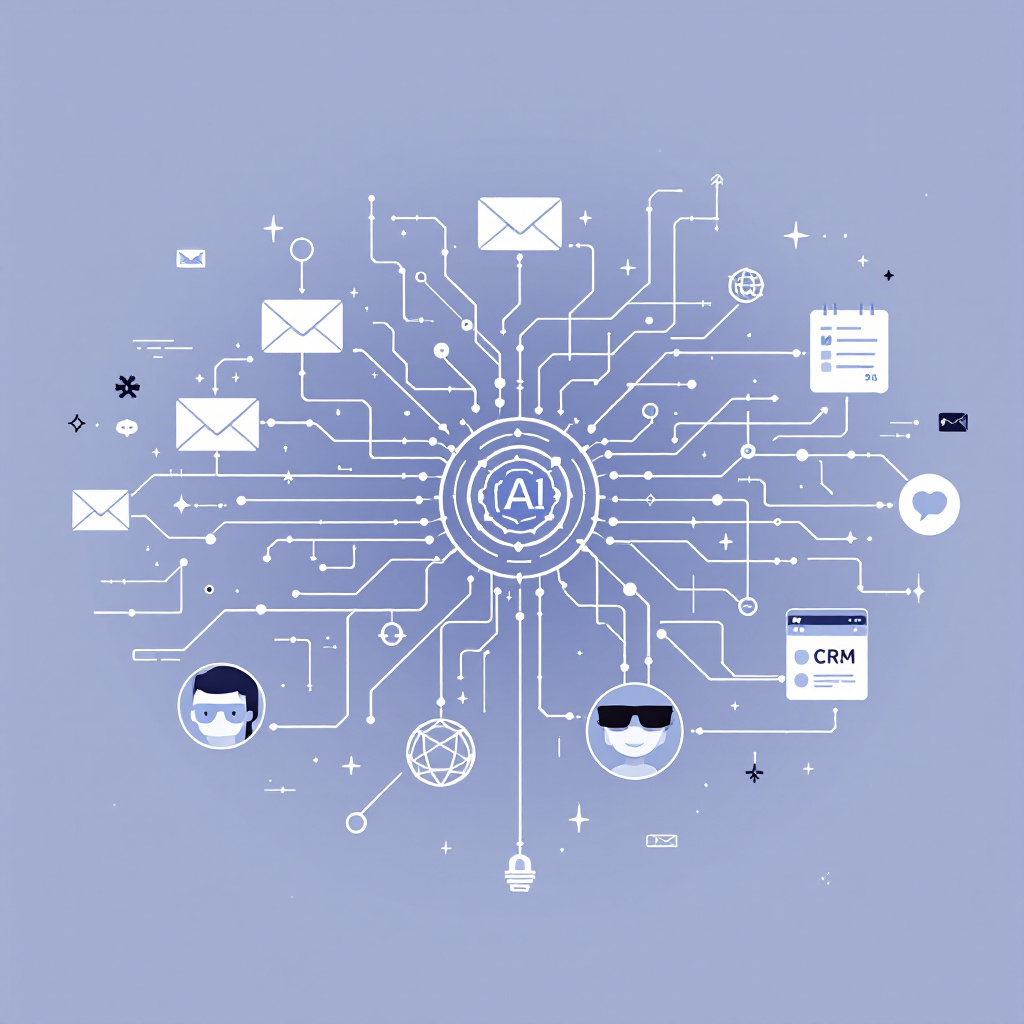
A Reporting & Insights Worker:
- pulls from your existing data sources,
- synthesizes performance vs targets and history,
- drafts the narrative and recommendations,
- routes drafts for approval, then sends.
A pseudo-spec:
worker_name: Reporting & Insights Worker
mission: "Produce and distribute accurate, insightful monthly performance reports for all managed clients by the 3rd business day."
inputs:
  - Google Ads
  - Meta Ads
  - HubSpot Deals
  - Analytics snapshots
outputs:
  - Notion/Slides report per client
  - Summary email or Slack post
sla:
  on_time_reports: ">= 95% by 3rd business day"
  data_accuracy: ">= 99% vs dashboards"
escalation_rules:
  - condition: "missing_data > 10%"
    action: "notify Account Manager with missing sources"
  - condition: "performance_drop > 20%"
    action: "flag as risk, request human review"
Your team’s role shifts from report assembly line to editorial board.
5. Getting Started: Where Poly Fits In
If you see your own operation in this post—brittle automations, heroic ops, and a sense that "AI could help, but we don’t have time to architect it"—you’re not alone.
A few truths we’ve learned working with agencies and SaaS teams:
- You don’t need to rebuild your stack. Your tools are fine; the glue and ownership model need the upgrade.
- You shouldn’t try to automate everything at once. Focus on 3–5 workflows where workers can clearly take over.
- You don’t have to become an AI infra shop. Your differentiation is your offering and client results, not your agents platform.
That’s why Poly exists.
We:
- Map your highest-leverage workflows.
- Design specialised workers around your SOPs and tools.
- Implement them in ~30 days with human-in-the-loop.
- Help you measure and scale once the initial workers prove themselves.
Call to action
Want to deploy a governed digital workforce instead of another brittle automation stack?
- Learn more: https://agencyofpoly.com/
Related posts
- AI Digital Workers Should Own Outcomes, Not Tasks
- Beyond Zaps: Building a 24/7 Digital Workforce Inside Your Agency
- From Brittle Zaps to a 24/7 Digital Workforce
Sources
- Microsoft Work Trend Index 2024 on AI usage and adoption.
- McKinsey research on AI maturity and automation potential in operations.
- Automation/AI productivity stats for agencies and SaaS teams (ServiceNow, Accenture, etc.).
- Internal Poly Digital Workforce launch playbooks and case studies.