
Sustainable Automation for Small Teams: Build Repeatable Sustainability Ops (Without More Headcount)
Table Of Content
- TL;DR
- Contents
- 1) Treat sustainability like operations (because it is)
- 2) The real enemy isn’t complexity. It’s resets.
- 3) Tools don’t equal execution
- 4) What “audit-ready by default” actually means
- 5) The rollout that actually works: Pilot → Build → Managed
- A simple starting point (today)
- Next step: a 20‑minute Workflow Design Session
- Sources
Sustainable Automation for Small Teams: Build Repeatable Sustainability Ops (Without More Headcount)
TL;DR
- Sustainability work becomes painful when it’s recurring but not systematized (spreadsheets, inbox threads, version chaos).
- Treat sustainability like ops: collect → normalize → validate → publish → archive (audit trail).
- The goal isn’t “more tools”—it’s fewer monthly resets through reliable workflows.
- Zaps move data; digital workers run end-to-end workflows with monitoring, retries, escalation, and logs.
- Start with one pilot workflow, harden it, then run it on cadence.
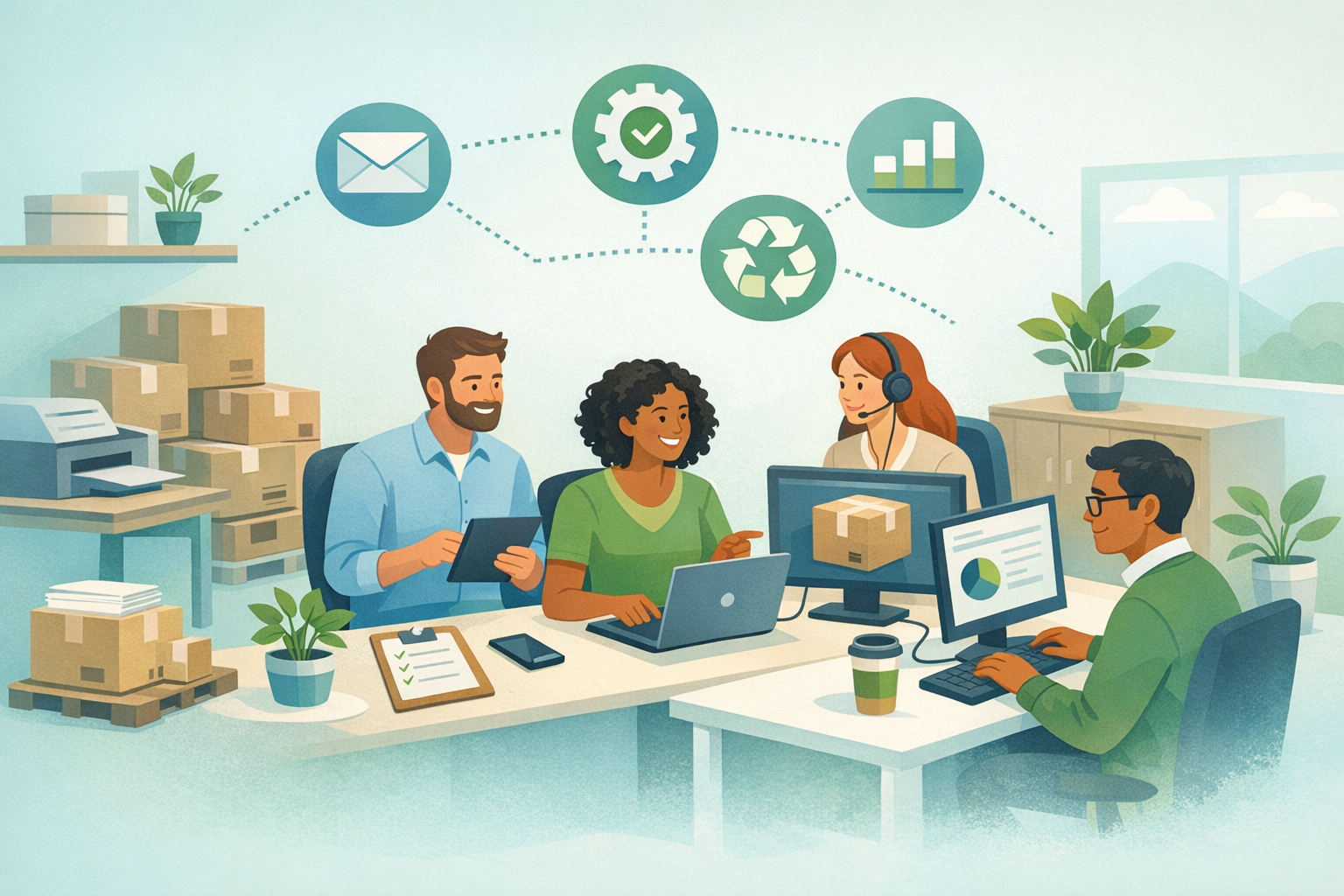
Sustainability work in an SMB rarely starts as a full-time role.
It lands on the ops manager who “owns process,” the finance lead who already closes the books, or the IT person who gets pulled into every cross-team request. Then the asks begin: customer questionnaires, vendor assessments, ESG reporting requests, certification prep, internal tracking—often on a monthly or quarterly cadence.
And because small teams don’t have time to design a system, the work becomes a ritual:
- a spreadsheet (or five)
- an inbox thread with 18 stakeholders
- data in seven places
- a last-minute scramble to reconcile versions
If this sounds familiar, you don’t have a sustainability process.
You have recurring sustainability work—without repeatable execution.
This is where sustainable automation matters.
Not “add more tools.” Not “automate everything.”
Sustainable automation means building workflows that are repeatable, auditable, and resilient—so they keep working when people are busy, when the data changes, and when the next questionnaire lands.
Contents
- Treat sustainability like operations (because it is)
- The real enemy isn’t complexity. It’s resets.
- Tools don’t equal execution
- What “audit-ready by default” actually means
- The rollout that actually works: Pilot → Build → Managed
- A simple starting point (today)
- Next step: a 20‑minute Workflow Design Session
1) Treat sustainability like operations (because it is)
A lot of sustainability initiatives fail at the execution layer. Not because the intent is wrong, but because the work is treated like an occasional project—when it’s really an operational workflow.
Ask yourself:
- Do we collect the same inputs every cycle?
- Do we know who owns each input (and what “good” looks like)?
- Do we normalize and validate the data the same way every time?
- Can we reproduce last quarter’s numbers and explain changes?
If the answer is “not consistently,” the fix isn’t motivation.
It’s workflow design.
An operational view of sustainability looks like this:
- Collect inputs from defined sources (systems, vendors, teams)
- Normalize fields into a consistent format (units, naming, categories)
- Validate with simple checks (completeness, thresholds, duplicates)
- Publish outputs (questionnaire answers, dashboards, reports)
- Archive the trail (inputs, transformations, approvals, versions)
That final step—archive—is what turns busywork into audit readiness.

2) The real enemy isn’t complexity. It’s resets.
Small teams can handle complex work.
What they can’t handle is rebuilding the same thing from scratch every month.
Resets show up as:
- chasing the same people for the same inputs
- manual copy/paste between tools
- different spreadsheet versions floating around
- “we’ll clean it up later” becoming the operating model
Sustainable automation reduces resets.
You don’t need a perfect system on day one. You need a workflow that survives the next cycle with less rework.
3) Tools don’t equal execution
Most SMBs already have a stack:
- Google Workspace or Microsoft 365
- spreadsheets
- email + Slack
- maybe Zapier/Make/n8n
- a BI tool or dashboard
So why does the work still feel manual?
Because tools don’t create end-to-end reliability.
A “zap” can move data from A to B, but it doesn’t:
- monitor the entire workflow
- retry steps when something fails
- chase missing inputs
- escalate exceptions when rules are violated
- maintain a clean audit trail
That’s execution.
And execution requires ownership.
One way to think about it: Zaps move data. Digital workers run workflows.
A digital worker isn’t just an automation. It’s an execution layer that:
- follows a defined sequence
- checks conditions
- logs actions
- flags exceptions to a human
- produces an output consistently
The point isn’t to replace people.
It’s to stop using people as glue.

4) What “audit-ready by default” actually means
When teams hear “audit readiness,” they often picture a big documentation sprint.
But audit readiness is typically a side effect of consistent workflow design.
Audit-ready by default looks like:
- a single intake path for requests (not scattered DMs and emails)
- defined sources of truth for key fields
- versioned outputs
- clear approvals and timestamps
- an archive of inputs and transformations
If you can trace what changed, when, and why… you can defend your work.
If you can’t trace it, audits turn into archaeology.
5) The rollout that actually works: Pilot → Build → Managed
Automation projects fail when they try to do too much, too soon.
A sustainable rollout de-risks execution:
Pilot (2–3 weeks): choose one recurring workflow and one output.
- Example: one customer questionnaire + one internal data pack
- Goal: measurable cycle time improvement and fewer errors
Build: harden what you learned.
- add exception handling
- clarify owners
- lock in normalization rules
- formalize the audit trail
Managed: put it on cadence.
- the digital worker runs the workflow
- humans handle the exceptions
- you review results, not chase inputs
This is how small teams scale sustainability ops without scaling headcount.
A simple starting point (today)
If you want to start this week, don’t start with “automation.”
Start with a workflow map.
Pick one recurring request and document:
- the output (what “done” looks like)
- the inputs (where they come from)
- the owners (who provides/approves)
- the normalization rules (how fields are standardized)
- the exceptions (what can go wrong and how you’ll handle it)
That map becomes your pilot scope.
Next step: a 20‑minute Workflow Design Session
Book a 20‑minute Workflow Design Session to scope the highest‑leverage sustainability workflow for your team.
Booking link (Agency of Poly): https://www.poly186.com/?utm_source=blog&utm_medium=organic&utm_campaign=poly_agency_sust_smb_2026_01_25
You’ll leave with:
- one prioritized sustainability workflow to pilot
- a draft “Pilot → Build → Managed” rollout plan
- a checklist for audit trail + controls
Sources
- ISO 14001 Environmental management systems (overview): https://www.iso.org/iso-14001-environmental-management.html
- GHG Protocol Corporate Standard (overview): https://ghgprotocol.org/corporate-standard
- CDP (disclosure system): https://www.cdp.net/en
- U.S. EPA Energy Star Portfolio Manager (measurement & tracking): https://www.energystar.gov/buildings/benchmark/portfolio-manager